Landing pages are not normal web pages. They’re closer to a focused conversation: one promise, one path, one next step. The best landing pages feel like a guided hallway with clear signs, not a museum where visitors wander around reading plaques until their attention evaporates.
And then there’s the imagery. Stock photography can make a landing page look polished and credible fast, but it can also quietly sabotage conversions when it’s generic, confusing, or emotionally mismatched. The difference isn’t whether an image is “high quality.” The difference is whether the image supports the visitor’s decision-making in the first seconds.
This post breaks down what actually works when using stock photos on landing pages, what tends to hurt conversions, and a practical process for choosing images that feel intentional and persuasive.
The Real Job of Photography on a Landing Page
On a landing page, every element should reduce friction or increase motivation. Imagery isn’t decoration. It should do one or more of these jobs:
- Clarify what you’re offering
- Show the product or service in context
- Visualize the outcome the visitor wants
- Build trust and credibility
- Guide attention toward the call to action
- Reinforce brand tone so the page feels coherent
If your image does none of these things, it’s not neutral. It’s taking up valuable space and attention budget.
What Works: Landing Page Image Choices That Help Conversions
1) Images that increase clarity, fast
The highest-performing landing pages tend to be immediately understandable. Images help when they reduce the “What am I looking at?” moment.
Good examples:
- A software interface screenshot that clearly shows the product
- A physical product being used in a real-life situation
- A service shown through an obvious context (e.g., a trainer coaching, a technician working, a designer at a workstation)
These images answer the visitor’s first question: “Is this relevant to me?”
2) Images that show the before-and-after without words
People buy outcomes, not features. Strong landing page photography often hints at transformation. Not in a cheesy “glowing aura” way, but in a human, believable way.
Examples:
- A calm workspace for a productivity tool
- A confident professional for a career service
- An organized home for a decluttering service
- A relaxed traveler for a booking experience
The best outcome imagery feels like a snapshot of the visitor’s desired life, not a staged advertisement.
3) Images that feel authentic and specific
Authenticity is conversion fuel because it reduces skepticism. Visitors are trained to spot generic visuals. When a photo looks like it could belong to any company, it adds a tiny layer of doubt.
Look for:
- Natural expressions and candid moments
- Realistic environments
- Small imperfections that make it believable
- Specific details that match the niche (tools, settings, wardrobe, context)
Specificity is the antidote to “template page” energy.
4) Images with composition that supports the layout
A high-performing landing page often uses strong visual hierarchy: headline, supporting text, CTA. Your imagery must cooperate with that structure.
Choose images with:
- Negative space for text overlays (if needed)
- A clear focal point that doesn’t compete with the headline
- Cropping flexibility for mobile
- Directional cues (subject gaze or body orientation pointing toward the CTA)
If the image forces you to contort your layout, it’s not a good landing page image, no matter how pretty it is.
5) Consistent image style across the page
Landing pages often use multiple images: hero, feature blocks, testimonials, trust badges, maybe a background texture. If each photo has different lighting and color temperature, the page feels stitched together.
Consistency cues professionalism. Professionalism cues trust. Trust boosts conversions.
A simple rule: keep lighting, contrast, and color tone in the same family across all images on the landing page.
6) Proof-oriented imagery in the right places
Not every image should be aspirational. Certain parts of the page benefit from proof and credibility.
Examples:
- Product close-ups that show quality
- Process imagery that shows “how it works”
- Behind-the-scenes visuals that demonstrate expertise
- Images that support testimonials (a real workspace, a real environment, a real result)
This kind of imagery reduces purchase anxiety and supports the visitor’s “Is this legit?” question.
What Hurts: Stock Photography Mistakes That Lower Conversions
1) Generic “business” visuals that feel unrelated
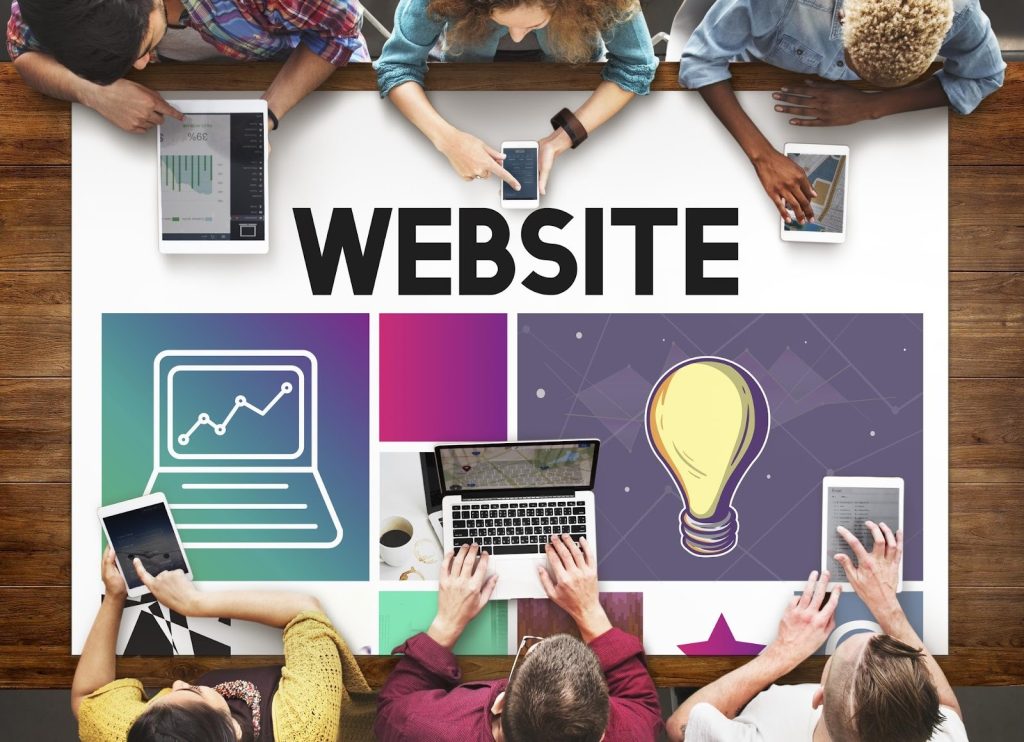
You know the ones: handshakes, people pointing at laptops, smiling groups in perfect lighting. These images tend to hurt conversions because they add nothing to understanding and often feel insincere.
They can also create a mismatch between the visitor’s expectation and your offer. If your brand is warm and practical but your imagery is cold and corporate, visitors feel that disconnect immediately.
2) Busy images that compete with the CTA
A landing page needs focus. If your hero image is visually loud, users will spend their attention deciphering the scene instead of reading your headline.
High-risk visuals include:
- Crowded group scenes
- High-contrast backgrounds behind text
- Bright, saturated colors that compete with buttons
- Complex patterns and multiple focal points
If the CTA doesn’t stand out in a quick glance, conversions suffer.
3) Images that don’t match search intent
A landing page is often tied to an ad campaign or keyword. If someone clicks an ad for “remote bookkeeping for freelancers” and lands on a hero image of a generic office tower, it creates cognitive friction. The visitor wonders if they clicked the wrong thing.
The image should reflect the visitor’s world and intent:
- Their environment
- Their stage (learning vs. ready to buy)
- Their problem context
Mismatch increases bounce rate.
4) Overly aspirational imagery that feels unrealistic
Aspiration can work, but if it’s too polished or too far from the visitor’s reality, it triggers skepticism.
For example, if you sell a budget-friendly course for beginners and your hero image looks like a luxury magazine shoot, visitors may feel like the offer isn’t meant for them or that the page is exaggerating.
Believable aspiration beats fantasy.
5) Inconsistent style across sections
A landing page that mixes warm lifestyle photos, cool studio product shots, and moody cinematic scenes looks like three brands arguing. That visual inconsistency can make the page feel less trustworthy, even if the copy is strong.
6) Images that introduce legal or trust issues
Anything with recognizable logos, branded products, or sensitive contexts can raise concerns. Even if the visitor doesn’t consciously notice, some imagery just feels “off” or risky. Use clean, unbranded scenes when possible, especially in industries where trust is fragile.
7) Using people images where the visitor wants product clarity
If you’re selling software or a physical product, and your hero image is purely lifestyle with no product context, visitors may be confused. “What is this, exactly?” confusion is a conversion killer.
A common fix is a hybrid hero: show the product (or UI) clearly, and support it with lifestyle cues.
A Practical Framework: Pick the Right Image for Each Section
Instead of treating imagery like a single decision, map image types to page sections.
Hero section
Goal: relevance + clarity + emotional tone
Best options:
- Product/UI clearly visible
- Product-in-context
- Outcome-led lifestyle that matches intent and leaves space for headline and CTA
Feature blocks
Goal: understanding + reduced uncertainty
Best options:
- Close-ups, details, process shots
- Simple visuals that support feature claims
- Screenshots or diagrams (if relevant)
Social proof section
Goal: trust + credibility
Best options:
- Realistic environments, behind-the-scenes
- Subtle imagery that supports testimonials without distracting
FAQ or objection-handling section
Goal: calm + clarity
Best options:
- Minimal, low-distraction visuals or none at all
This is one place where less imagery often performs better.
Final CTA section
Goal: motivation + confidence
Best options:
- A simplified repeat of the hero vibe
- A supportive image that reinforces outcome and trust
Avoid introducing a brand-new visual style right at the decision point.
A Fast Workflow for Choosing Conversion-Friendly Stock Photos
- Write the one-sentence promise of the landing page
What is the offer and who is it for? - Identify the visitor’s intent
Are they researching, comparing, or ready to act? - Choose your photo mode
Lifestyle, studio, editorial, product-in-context, UI-based, etc. Pick one main lane. - Define practical layout needs
Do you need negative space? A wide crop? A subject on the right third? - Search using mood + context keywords
Not just “woman with laptop,” but “freelancer home office natural light calm minimal.” - Shortlist 10–20 and compare as a set
View as a grid to spot mismatched tone. - Mock up 3–5 in the actual layout
The best image in a gallery isn’t always the best image in your hero. - Check mobile crops
Always. Mobile will reveal problems immediately. - If traffic is meaningful, A/B test hero images
Test two strong candidates. Measure conversion rate, CTA click-through, and bounce rate.
A Note on Making Stock Photos Feel Custom (Without Overdoing It)
If you want stock imagery to feel branded:
- Use consistent crops and aspect ratios
- Apply a light, repeatable editing recipe (temperature, contrast, saturation)
- Use subtle overlays for legibility and cohesion
- Keep typography and spacing consistent around images
The goal is to unify, not to disguise.
Bringing It All Together
Using stock photos for landing pages can absolutely improve conversions when the imagery is chosen strategically. What works is clarity, authenticity, and alignment with the visitor’s intent. What hurts is generic filler, mismatched tone, busy visuals that fight the CTA, and inconsistency that makes the page feel stitched together.
Treat your imagery like part of the conversion system, not a finishing touch. Choose photos that help visitors understand, feel, and act with less friction. When the right image supports the right message in the right layout, the page stops feeling like a pitch and starts feeling like a confident invitation.